The challenge
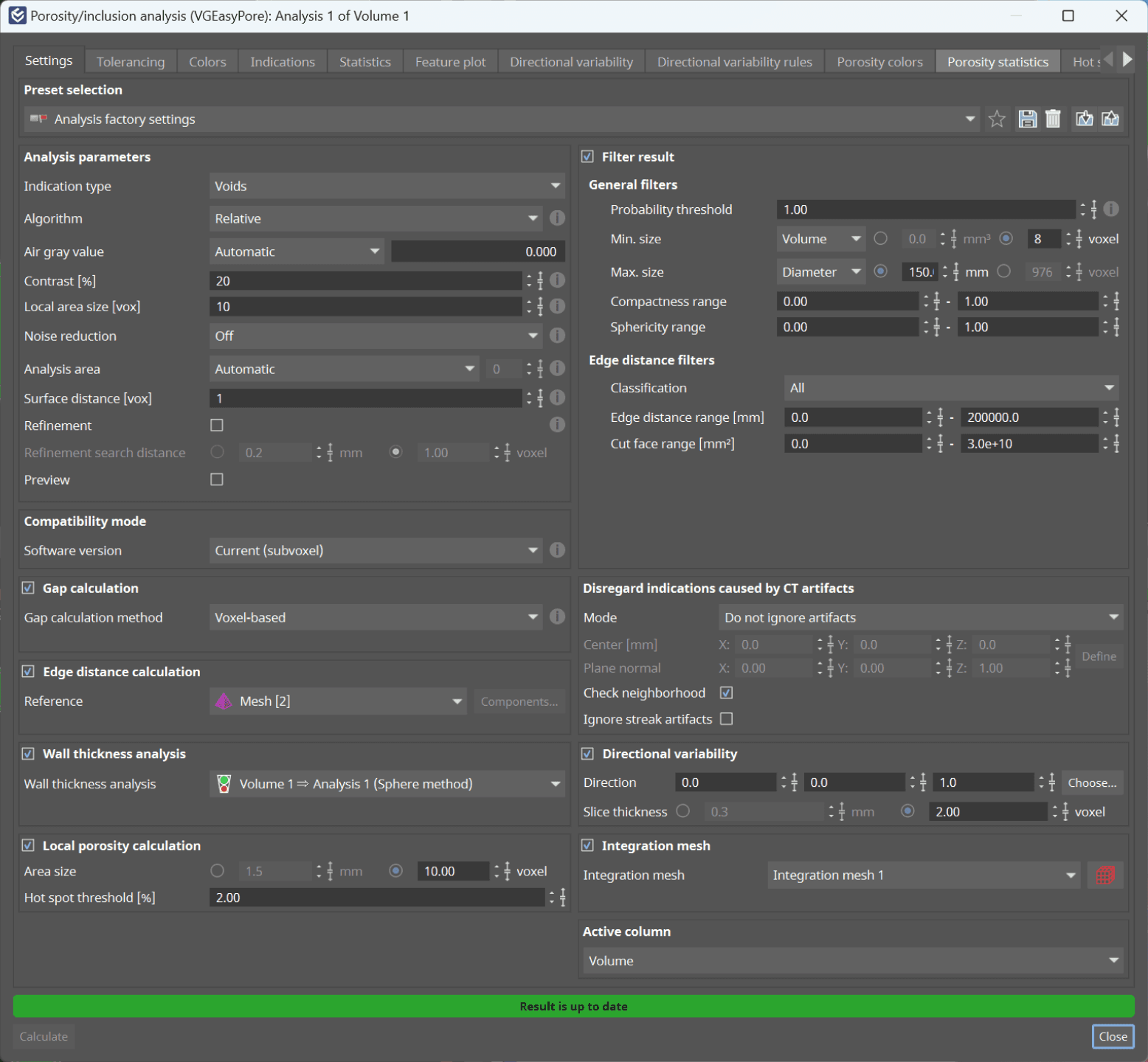
The goal
The approach
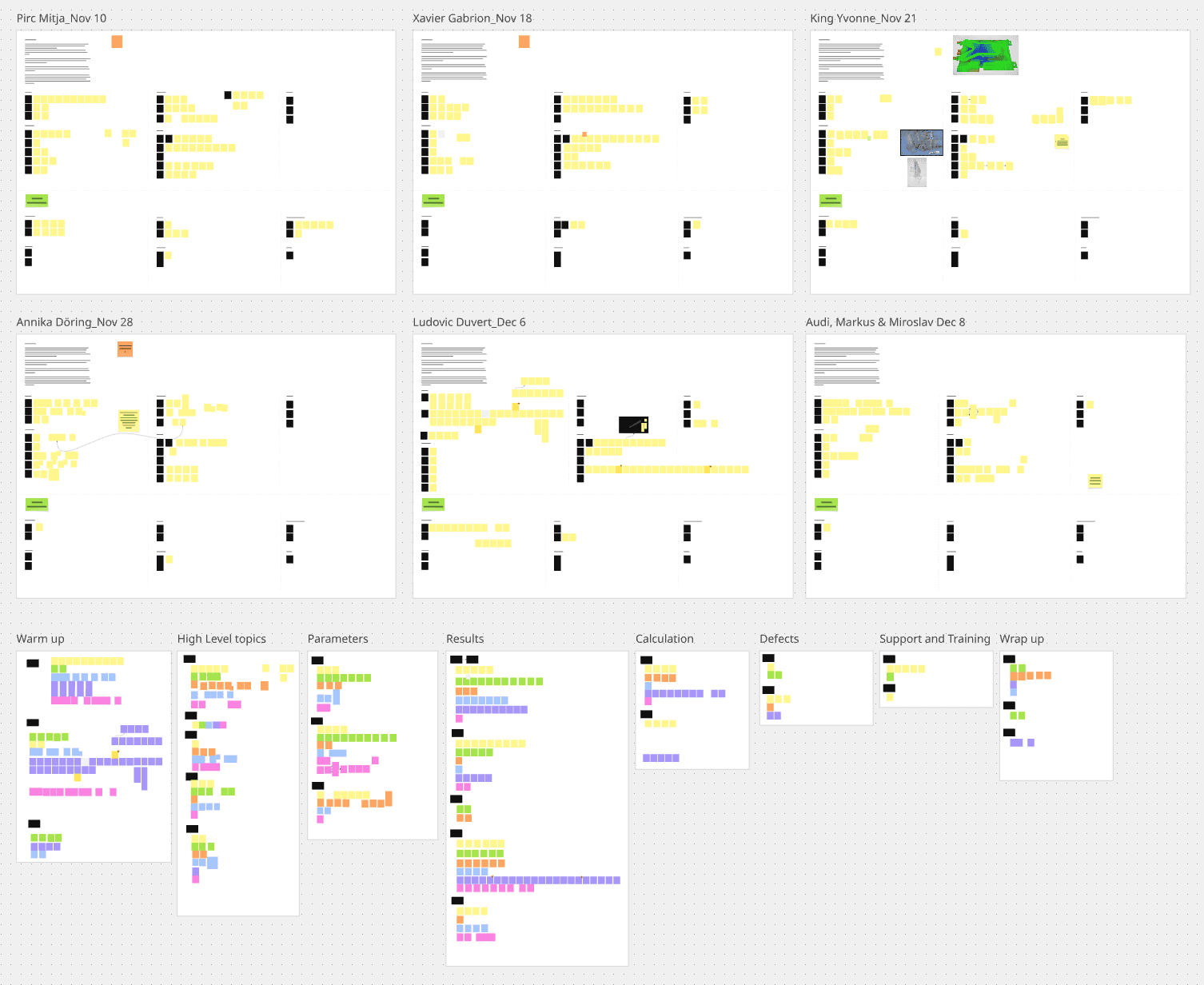
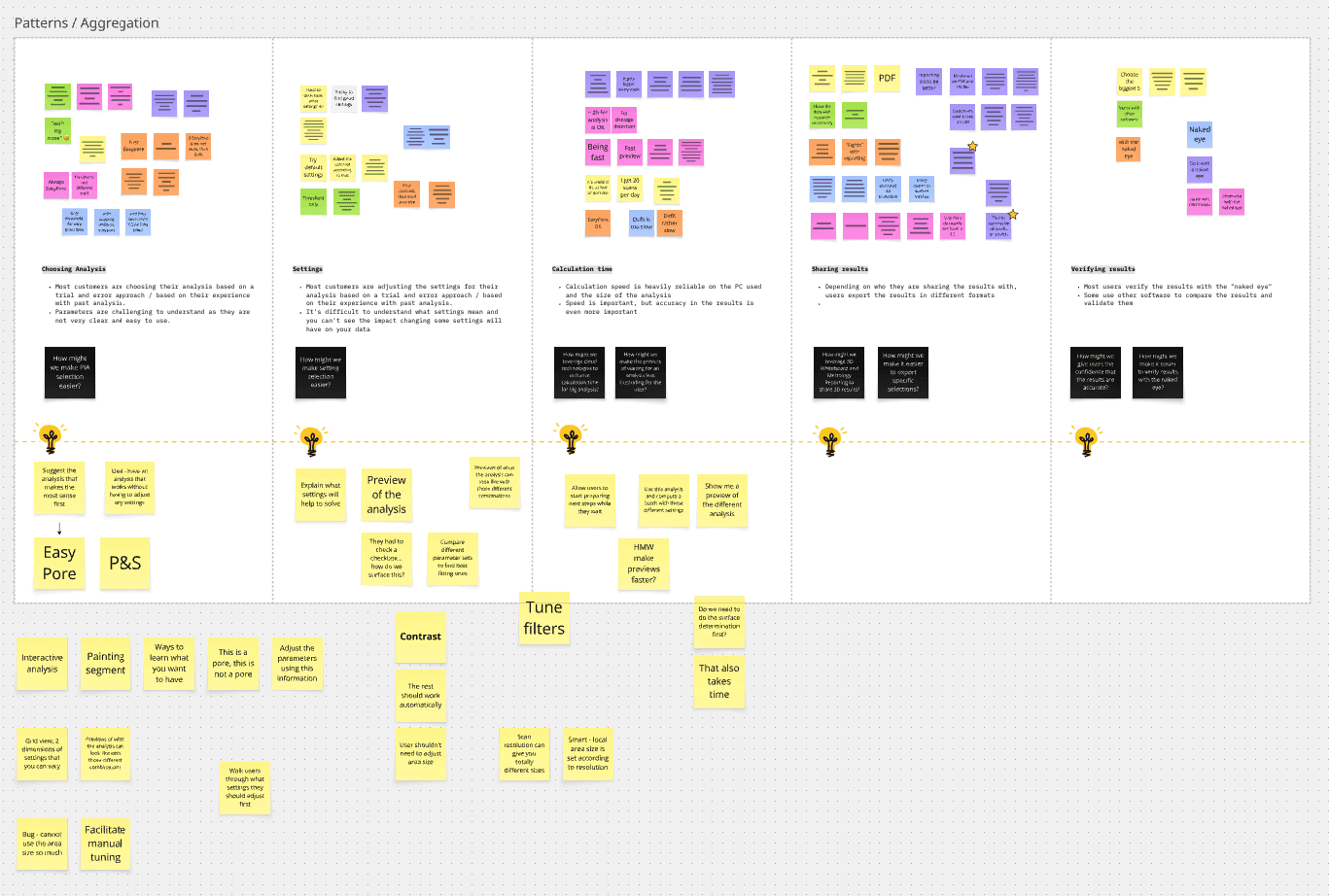
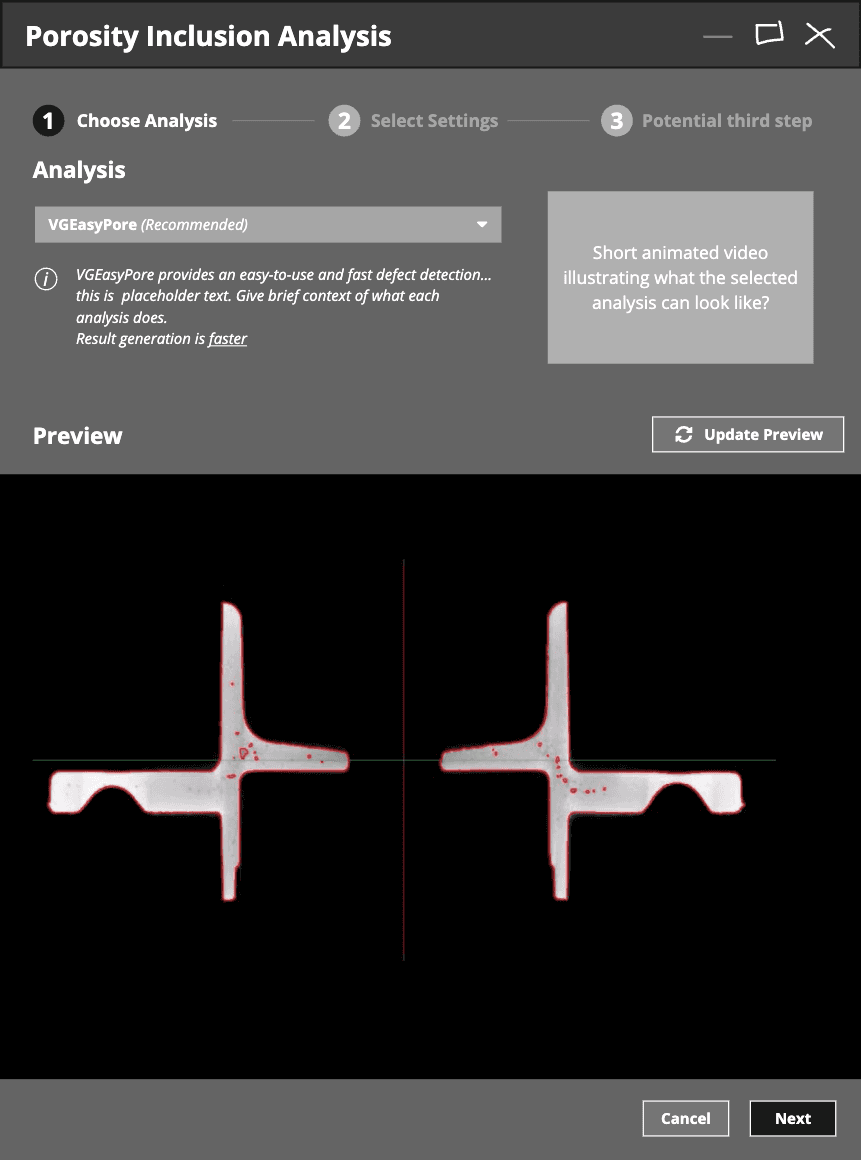
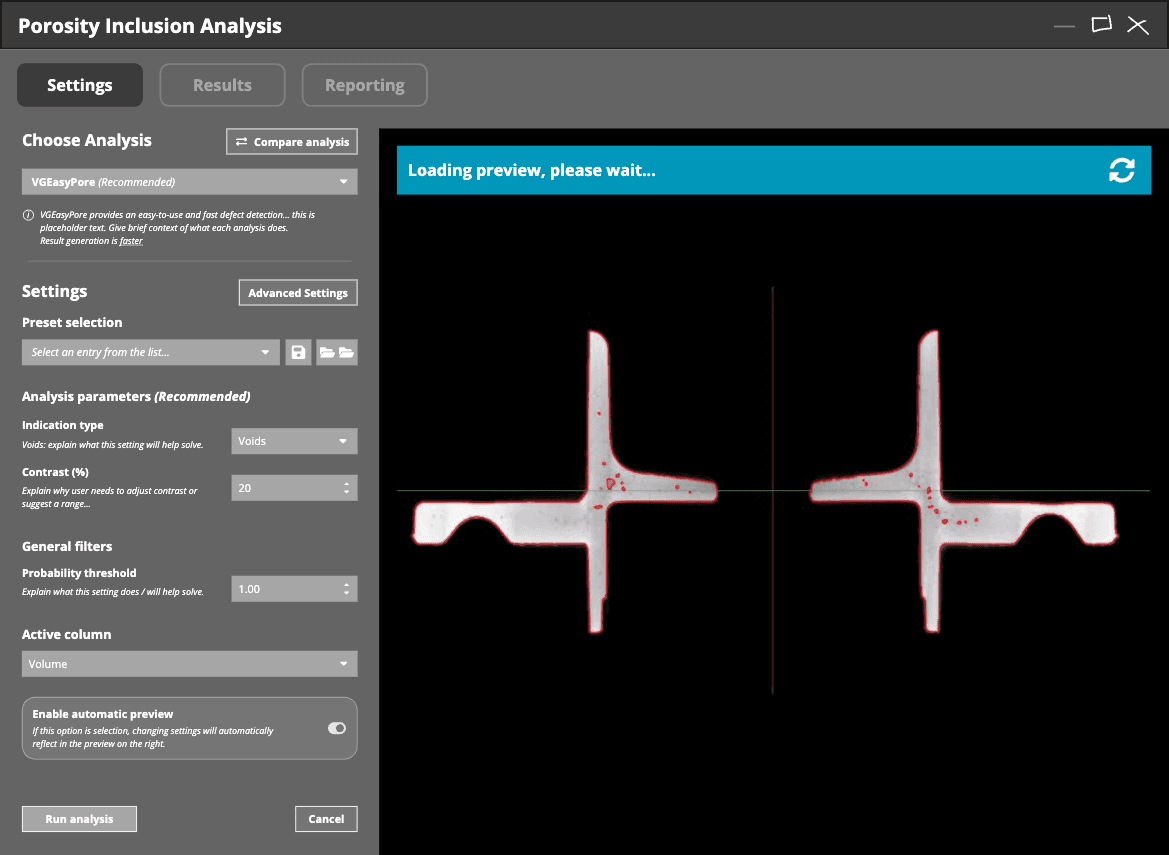
We spoke with both experienced users and new engineers to understand their struggles. While experts appreciated the precision, beginners often felt overwhelmed, which steered us to think about making the workflow more inclusive.
Starting with sticky notes and low-fidelity mockups in Miro, we moved through mid- and high-fidelity prototypes in Figma, validating them with users and internal testers before handing them off for development.
The outcome
The new interface shows only the most important settings upfront, with advanced options organized into tabs. We introduced smart defaults that handle common analysis types and built contextual tooltips and visual feedback to help guide users through the workflow.
By refining the terminology, restructuring the layout, and adding clear visual cues, we transformed the feature from a guessing game into a guided experience.
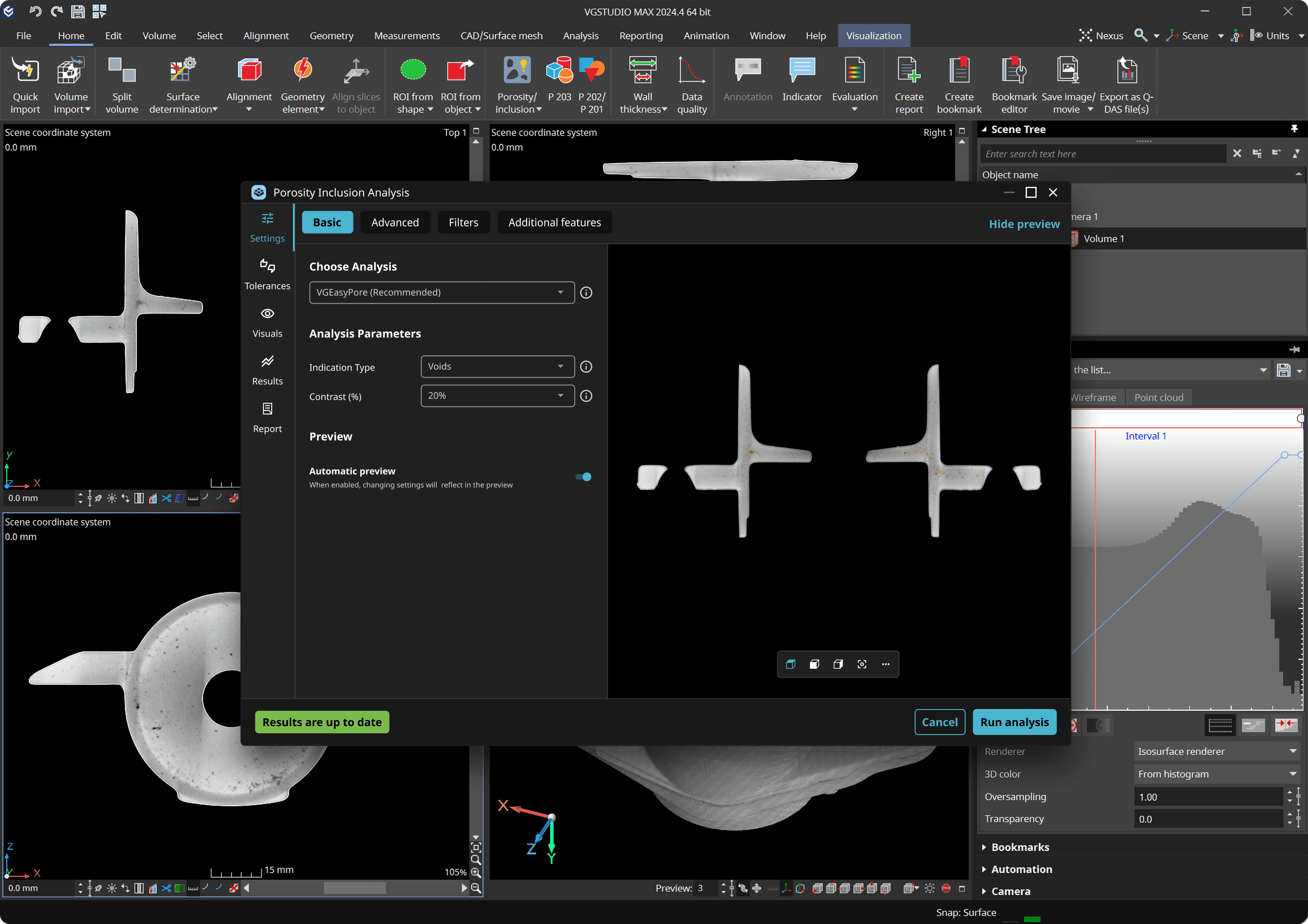
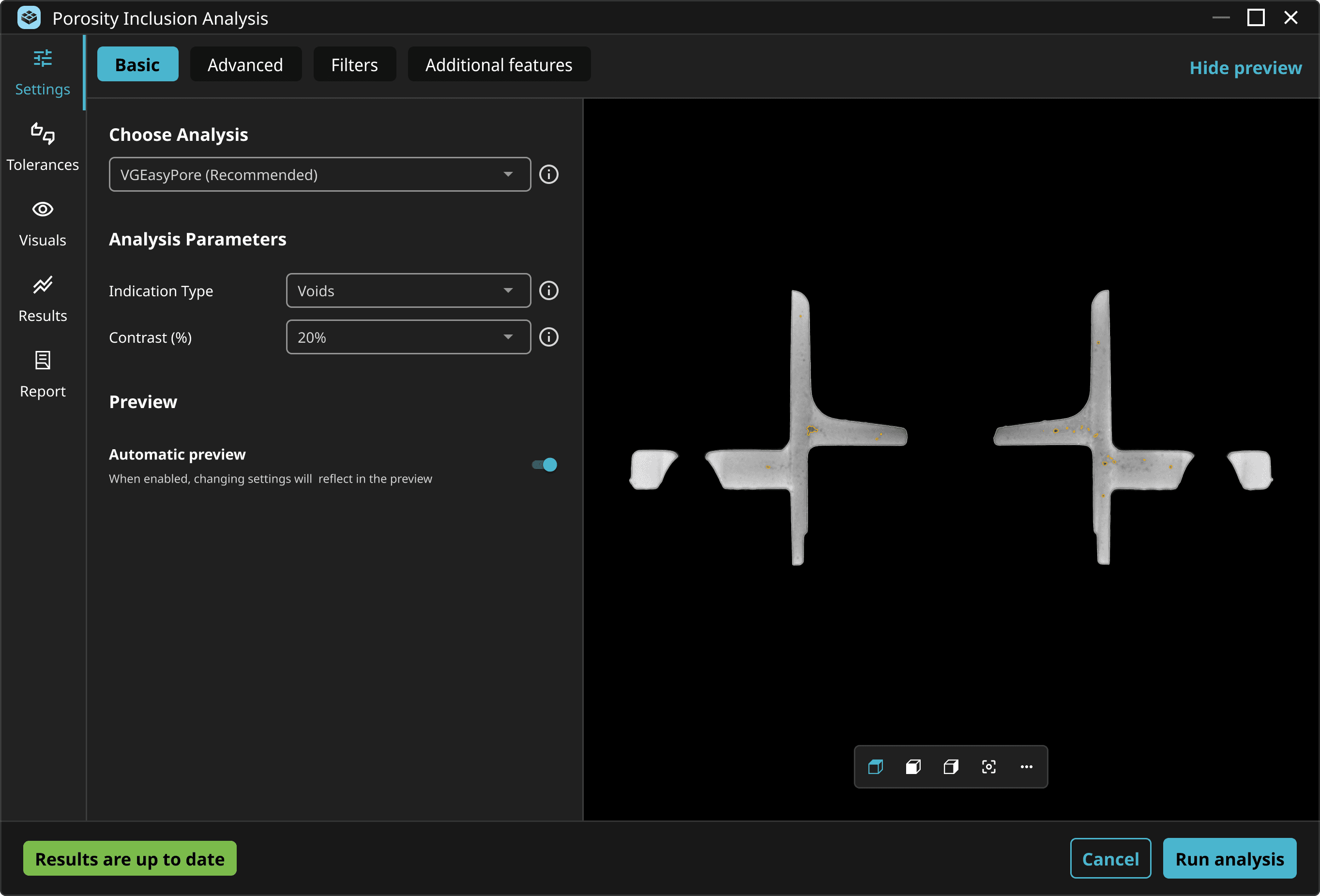
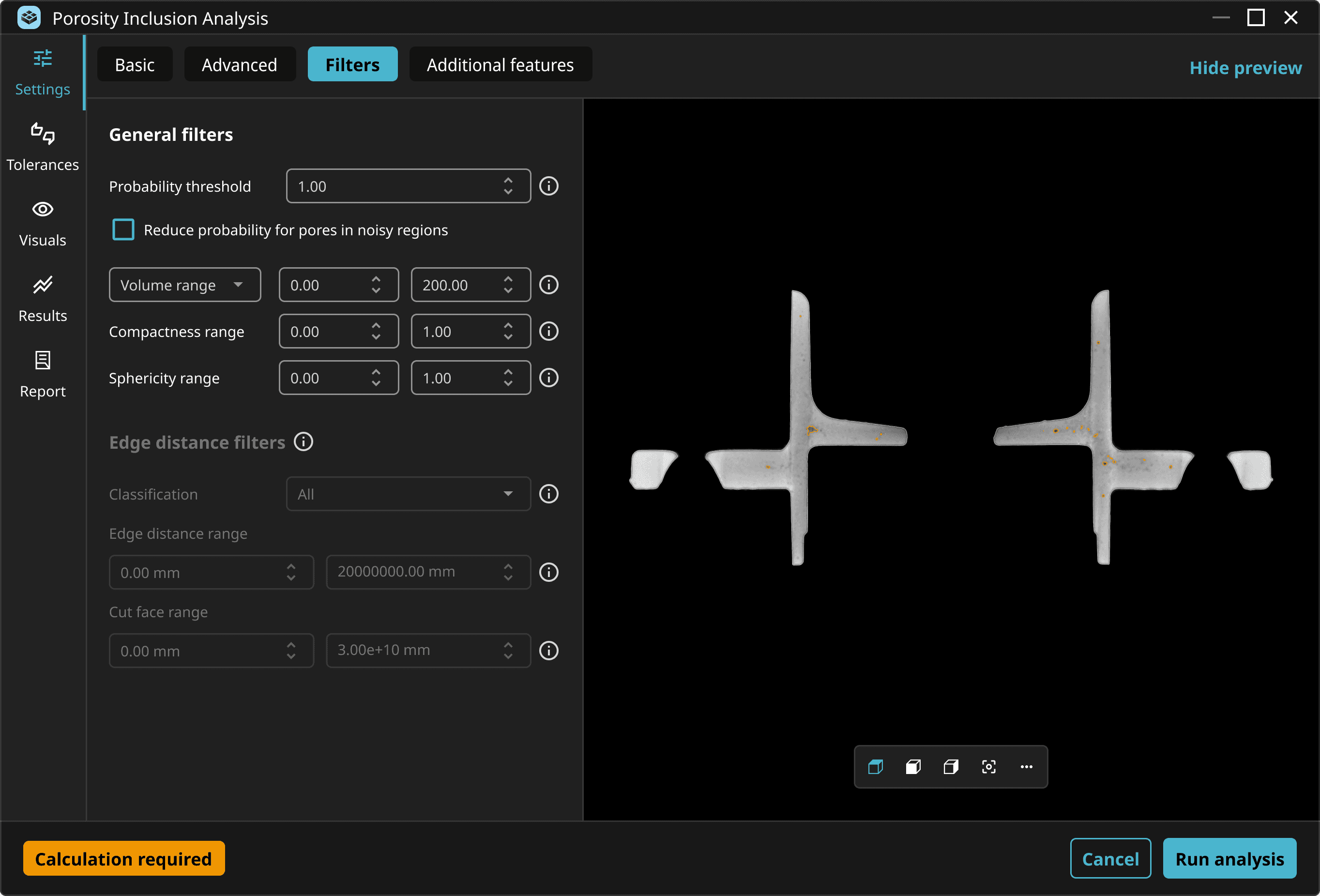
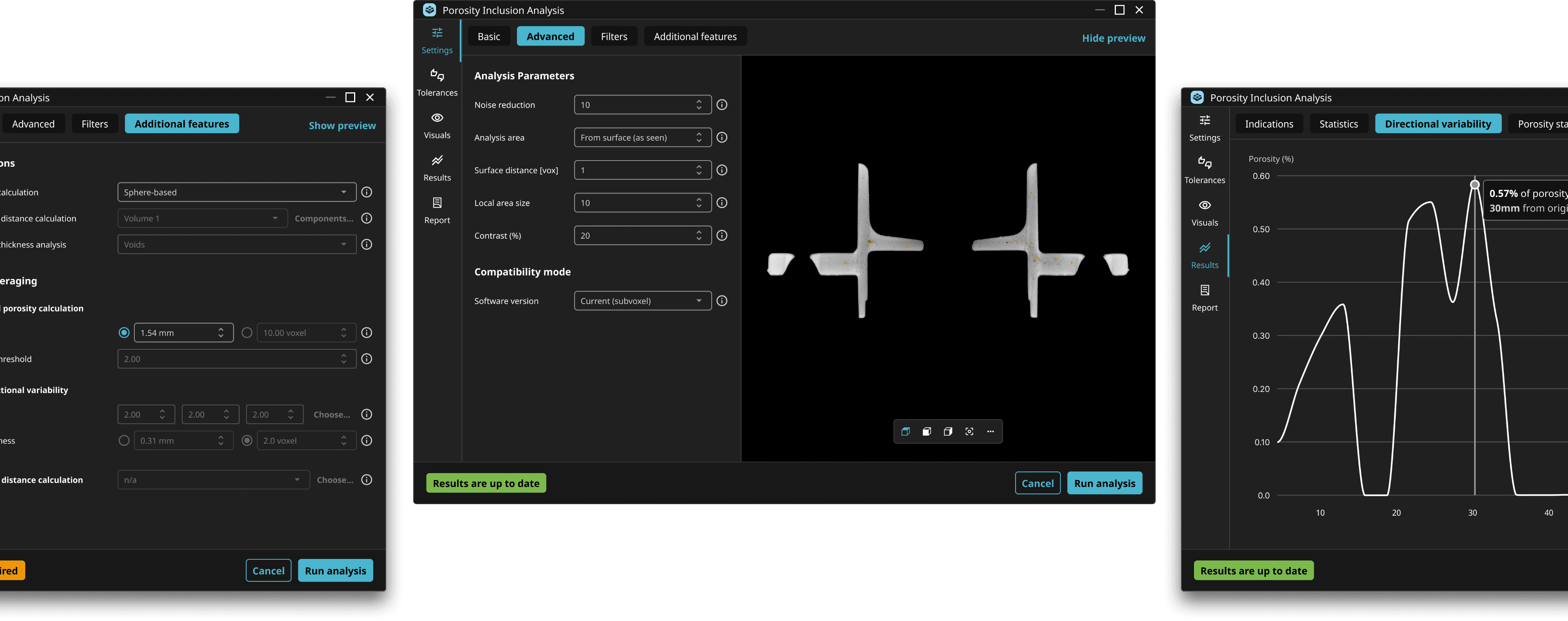
The redesigned PIA lowered the barrier for new users while improving accuracy and efficiency for everyone. Beta feedback showed faster setup times, fewer errors, and greater confidence in results. By reducing cognitive load and aligning the workflow with users’ mental models, we helped engineering teams move from scan to insight more quickly, without sacrificing control or precision.
This work was honored with the iF Design Award 2025, recognizing its success in combining technical complexity with elegant usability.
Lessons learned
Designing for complexity doesn’t mean removing it, but organizing it. This project reinforced how important it is to find the right balance between power and usability, especially in technical domains. Teaming up with internal experts, power users and beginners allowed us to find that balance, and by focusing on progressive disclosure, smart defaults, and contextual guidance, we created a more inclusive experience that empowers a broader range of users to make better, faster decisions using advanced technology.